You do not need a computer science degree to build a mobile app. That is the honest starting point for any beginner. This guide walks you through the app types, the build process, what it really costs and how long it takes, and the mistakes that sink most first attempts. The goal is a plain-language path from “I have an idea” to “an app exists,” even if you have never written a line of code.
If you would rather hand the build to a team than learn to do it yourself, skip to the cost section and the plan box at the end. Viewpoint builds custom software and websites for growing businesses, and we are clear about when hiring beats doing it yourself.
Key Takeaways
- ✓ You can start building an app with zero coding using no-code and cross-platform tools.
- ✓ A simple app takes roughly 2 to 6 months of focused work; building native iOS and Android separately doubles the effort.
- ✓ The biggest cost drivers are native versus cross-platform, feature depth, and whether you build it yourself or hire a team.
- ✓ Skip the “add everything in version one” mistake: ship a small core and test early.
- ✓ Most beginner projects fail from poor user research and skipped testing, not from a lack of coding skill.
The Types of Mobile Apps
Before anything else, decide which kind of app you are building, because the choice changes the cost, the timeline, and how you learn. The common types are:
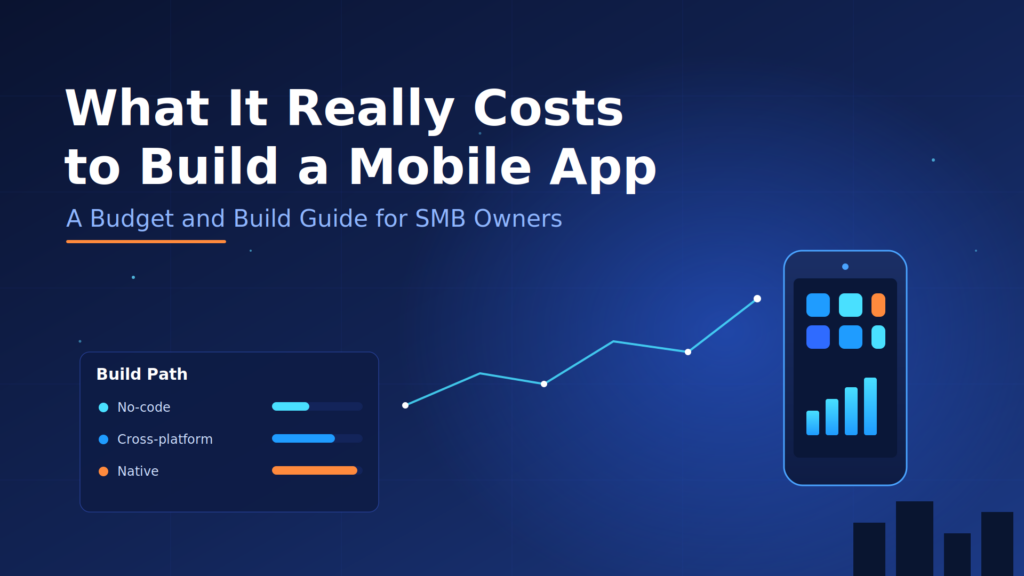
Native apps. Built for one operating system, iOS or Android, in its platform language (Swift or Kotlin). They run directly on the device, feel the fastest, and reach the camera, GPS, and sensors. The tradeoff is that you build twice if you want both platforms.
Cross-platform apps. One codebase runs on both iOS and Android. This is the cheapest path to both stores and the most common choice for beginners, small teams, and MVPs. Frameworks like Flutter and React Native fit here.
Web apps. Run in a phone browser and are built with HTML, CSS, and JavaScript. They are not installed from an app store, but they work across devices with a responsive design. This is the lightest option and a solid first build.
Progressive web apps (PWAs). A website that behaves like an app, with offline support and push notifications. It runs in the browser but can be added to the home screen, blending the reach of the web with some app features.
A quick way to decide: if you are learning and just want to prove the idea works, start with cross-platform or a PWA. If you need the fastest feel and full device access, go native and accept the doubled effort.
The Mobile App Development Process
The process has six steps. Following them in order prevents the most common beginner failure, which is building before you understand the problem.
Step 1: Idea and Planning
Write down the problem your app solves and who it is for. List the must-have features and the nice-to-have features separately. This single step saves the most wasted time, because failed projects usually have no clear scope.
Step 2: Design and Prototyping
Turn the idea into drawn screens and a clickable layout. A prototype lets you test the flow before you spend money or hours on code. Free design tools and no-code prototyping are enough here.
Step 3: Development
Build the features, connect the backend, and integrate anything the app depends on. If you chose cross-platform, this step is far lighter than it sounds. If you hire a team, this is where a project manager and developers split the work.
Step 4: Testing
Always test on real devices, not in a simulator alone. Check for bugs, loading speed, usability, and compatibility. Testing is the cheapest place to catch issues, because fixing a bug after launch costs far more than fixing it here.
Step 5: Deployment and Launch
Submit to the Google Play Store or the Apple App Store. Both have a review process that checks their guidelines. Expect the review to take a few days, and budget for a fix round if a reviewer flags something.
Step 6: Maintenance and Updates
An app is not a one-time build. It needs regular updates for operating system changes, bug fixes, and new features. Plan a small ongoing maintenance budget that runs past launch.
The Real Cost and Timeline
Cost varies widely, so this is where beginners get the most unrealistic numbers. The honest ranges are:
Do it yourself with cross-platform or no-code: mostly your time plus tool subscriptions, often a few hundred dollars a year. Expect 2 to 6 months of focused part-time effort for a simple app.
Hire a freelancer: a simple app might run a few thousand dollars, and one with more features costs more. Timing depends heavily on scope.
Hire an agency or development team: the price climbs with native builds, feature depth, and custom backend work, and projects are typically tracked in weeks to months. Agencies bring designers, testers, and reliability under one roof, which is why they cost more.
The three biggest cost drivers are native versus cross-platform, feature depth, and whether you build it yourself or hire help. Get those three right and most of the cost surprise disappears.
Tips for Beginners That Actually Help
- Start with a small idea you can finish, not a big one you cannot.
- Build a prototype and test it with a few real users before writing much code.
- Learn the fundamentals of how mobile apps work before you pick a tool.
- Read the iOS and Android store guidelines early.
- Test on a real device early and often.
- Take every piece of feedback and ask what it implies for the next version.
Common Mistakes Beginners Make
Projects that fail rarely fail because the developer did not know enough. They fail for a few repeated reasons:
- Building for a problem no one actually has (skipped user research).
- Designing for the creator instead of the user.
- Shipping without testing on a real device.
- Adding too many features to the first version and never finishing it.
- Hiring the wrong development help, or none, for the scope.
When to Build It Yourself Versus Hire a Team
If you are learning for its own sake, build a small cross-platform app yourself. If you are building an app for a real business, and the app cannot go down without costing you customers, hiring a team with reliability experience is usually the safer call. This is exactly where custom software fits: when a working, maintainable app matters more than the learning experience.
Get a free app-building plan for your idea
Tell us what you are trying to build, and we will map the app type, the realistic cost and timeline, and the fastest path to a first version. No pressure, no obligation.
Frequently Asked Questions
How long does it take to develop a mobile app?
A simple app you build yourself often takes 2 to 6 months of focused part-time work. A hired team working full time can ship faster, while a complex app can run 6 to 12 months no matter who builds it.
What is the difference between a mobile app development company and a freelancer?
A company works as a full team with separate people for design, development, and testing. A freelancer works alone, which is cheaper but puts more responsibility on that one person.
Can I build an app without coding skills?
Yes. No-code and cross-platform tools let you build a basic app without writing code. For more complex apps you will either learn to code, use a template, or hire a developer.
Is Android app development more popular than iOS?
Android has a larger global user share, so more total downloads and a wider reach. iOS tends to earn more per user. Choose based on where your audience actually is.
How do I find trustworthy app developers near me?
Look for published apps they can point to, ask for direct references, check online reviews, and start with a small paid engagement to judge communication before a larger commitment.
Find more from ViewPoint in Google Search
Enjoyed this guide? Add ViewPoint Innovations as a preferred source to help you find our articles in Google Search.
Or open Google source preferences