Most small businesses treat SEO as a content game: publish posts, add keywords, and wait for rankings. Content matters, but it sits on top of a technical foundation, and when that foundation is weak, even strong pages struggle to get crawled, indexed, or ranked. Technical SEO is the work of making sure search engines can reach your pages, load them quickly, and understand what they mean. This guide walks through the fundamentals in plain language, in the order that actually moves results, and points to the free tools you can use to check each one yourself.
Key Takeaways
- ✓ Technical SEO controls whether search engines can crawl, index, and understand your site, so it comes before content wins.
- ✓ Fix in order of impact: crawl and index access first, then speed and mobile, then structure, links, and schema.
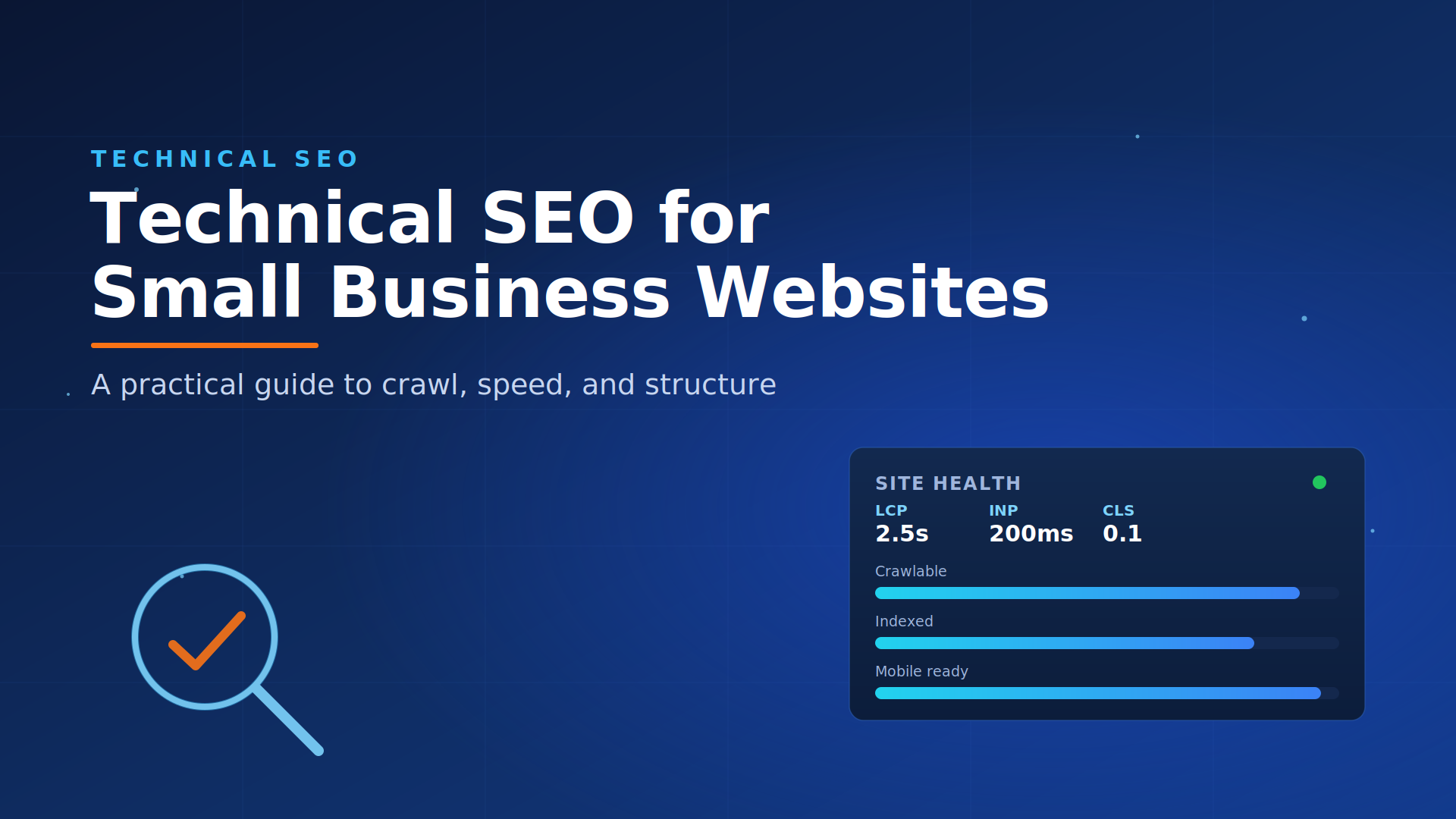
- ✓ Core Web Vitals have concrete thresholds to aim for: LCP under 2.5s, INP under 200ms, CLS under 0.1.
- ✓ Free tools cover most of this: Google Search Console, PageSpeed Insights, the Rich Results Test, and the URL Inspection tool.
- ✓ Technical SEO is ongoing, not one-time; a quarterly check catches new errors before they cost you traffic.
Why Technical SEO Matters for Small Businesses
Technical SEO makes your website work the way search engines expect. It decides whether Google can find your pages, whether it can add them to its index, how fast they load for real users, and how clearly it understands what each page is about. Get it wrong and your best content never gets a fair chance to rank.
For a small business competing with larger brands, this is where you can level the field without a big budget. Most technical fixes are one-time corrections that keep paying off, and many of the checks below use free tools. If your content has not delivered results, an overlooked technical issue is often the reason, and it is usually fixable.
Fix These First: A Priority Order That Works
The single most common mistake is fixing technical SEO in a random order. Work through it by impact instead:
- Crawl and index access. If Google cannot reach or index a page, nothing else matters. Start here.
- Speed and mobile experience. These affect every page and feed both rankings and conversions.
- Site structure and internal links. These help Google understand relationships and spread authority.
- Duplicates, canonicals, and structured data. These clean up signals and improve how you appear in results.
The rest of this guide follows that order, so you can work top to bottom and spend your effort where it returns the most.
Step 1: Make Sure Google Can Crawl and Index Your Pages
Search engines have to access a page before it can rank. Two things block them most often: a robots.txt rule that disallows a section of the site, and a stray noindex tag left on a live page after a redesign or staging move.
How to check it yourself:
- Open Google Search Console and read the Pages (index coverage) report to see which URLs are indexed and why others are excluded.
- Use the URL Inspection tool on any important page to confirm it is indexable and to request indexing after a fix.
- Run a
site:yourdomain.comsearch in Google to get a rough count of what is actually indexed. - Submit an XML sitemap in Search Console so Google has a clean map of the pages you want found.
- Check for orphan pages, pages with no internal links pointing to them, because they are hard for crawlers to discover.
If important pages are missing from the index, this step alone can recover traffic that was never visible before.
Step 2: Improve Page Speed and Core Web Vitals
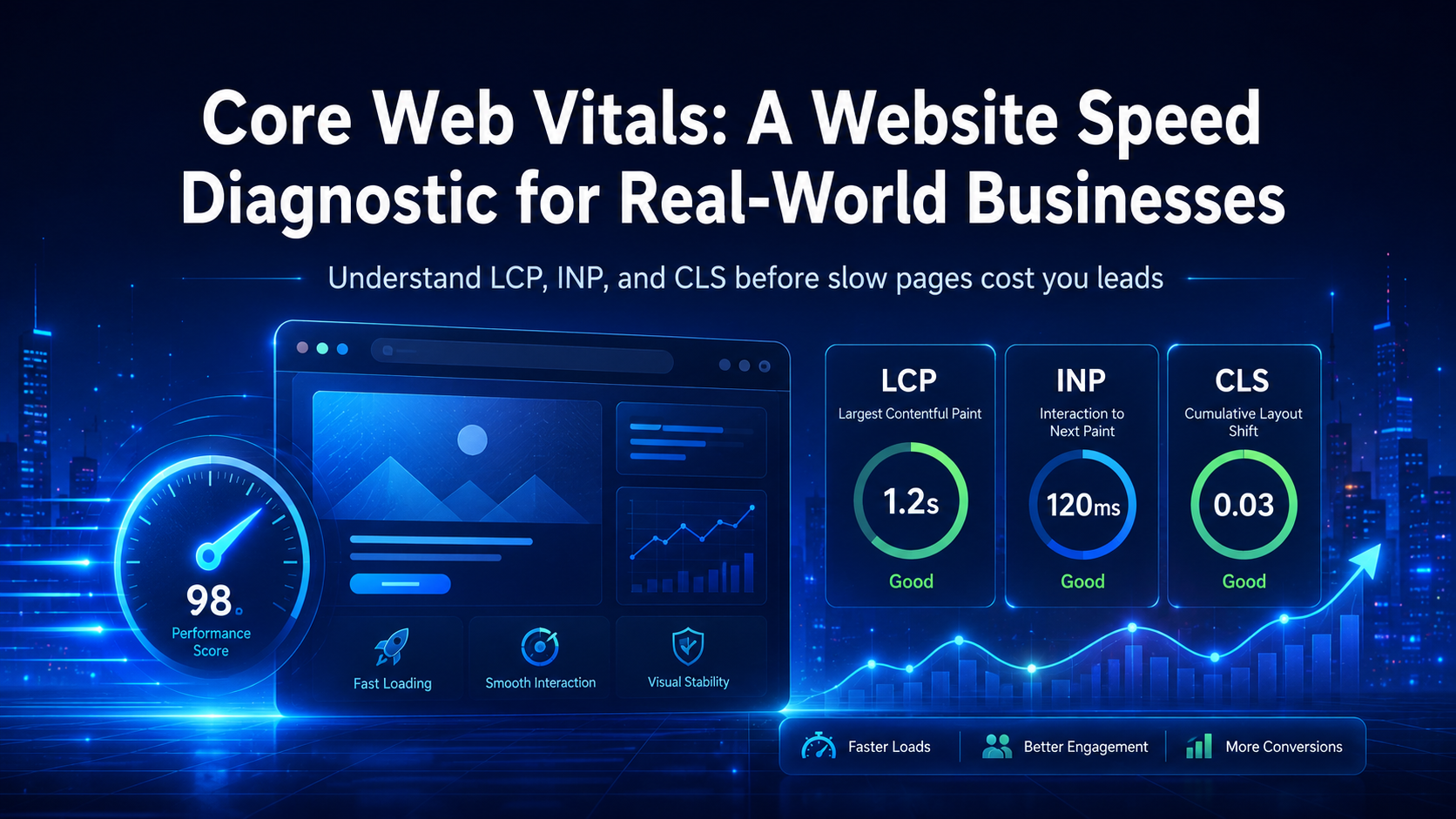
Slow pages lose visitors and rank worse. Google measures the experience with Core Web Vitals, and there are specific numbers to aim for:
- Largest Contentful Paint (LCP): under 2.5 seconds. This is how long the main content takes to appear.
- Interaction to Next Paint (INP): under 200 milliseconds. This measures how quickly the page responds when a visitor taps or clicks.
- Cumulative Layout Shift (CLS): under 0.1. This tracks how much the layout jumps around while loading.
Measure your real numbers with PageSpeed Insights, which reports field data from actual visitors alongside lab diagnostics. The highest-return fixes for most small business sites are compressing and correctly sizing images, removing plugins you no longer use, enabling browser caching, and choosing reliable hosting. For a deeper walkthrough of reading and fixing these scores, see our Core Web Vitals diagnostic guide.
Step 3: Get Mobile Right
Google uses mobile-first indexing, which means it primarily evaluates the mobile version of your site. If your desktop site is strong but the mobile version hides content or is hard to use, your rankings follow the mobile version down.
Focus on responsive design that adapts to every screen, text that is readable without zooming, buttons and links spaced far enough apart to tap accurately, and fast load times on mobile networks. Test a few key pages on a real phone, not just a shrunk browser window, so you catch the issues visitors actually hit.
Not sure which technical issue is holding your site back?
Most small business owners can spot the symptoms but not the root cause. Viewpoint runs a technical SEO review that checks crawlability, speed, mobile, and structure, then hands you a prioritized fix list you can act on. Book a free 15-minute strategy call to see what is really slowing your rankings.
Step 4: Secure Your Site with HTTPS
HTTPS encrypts the connection between your site and its visitors. It is a baseline ranking signal and, just as important, browsers flag unsecured sites as “not secure”, which erodes trust for a service business. Confirm three things: the site loads over HTTPS, every HTTP address redirects to its HTTPS version, and there are no mixed-content warnings from images or scripts still loading over HTTP. Your browser’s developer console will report mixed content on any page you open.
Step 5: Clean Up Duplicate Content and Canonicals
Duplicate content confuses search engines about which version of a page to rank, and that uncertainty can hold all versions back. It usually comes from the same page being reachable at several URLs: with and without a trailing slash, with tracking parameters, or as a printer-friendly copy.
The fix is the canonical tag, a line in the page’s code that tells Google which URL is the master version. Set a clear canonical on pages that have duplicates, and make sure paginated or parameter-based URLs point back to the right page. Search Console’s Pages report will flag “Duplicate” issues so you know where to look.
Step 6: Optimize Site Structure and Internal Linking
A clean structure helps both visitors and search engines understand your site. Keep URLs short and descriptive, group related content into logical folders, and give every page a single clear purpose. Then connect pages with internal links.
Internal links do two jobs: they guide visitors to related content and they spread ranking authority across your site. Link related pages naturally inside your content, use descriptive anchor text that says what the linked page is about, and make sure your most important pages receive several internal links. A well-linked site is easier to crawl and concentrates authority where you want it.
Step 7: Add Structured Data Where It Helps
Structured data, also called schema markup, is code that describes your content to search engines in a standardized format. It does not directly raise rankings, but it helps Google understand your pages and can earn rich results such as review stars, FAQ dropdowns, or business details in the search listing.
For a small business, the most useful types are LocalBusiness or Organization for your identity, Service for what you offer, FAQ for question-and-answer content, and Review or AggregateRating only when you meet Google’s eligibility rules. Add the markup, then validate it with Google’s Rich Results Test to confirm it is error-free before relying on it.
Step 8: Monitor and Fix Errors on a Schedule
Technical SEO is not a one-time project. Sites change, plugins update, pages get moved, and new errors appear. Set a recurring check, quarterly for most small businesses, and watch for 404 errors, redirect chains, broken internal links, and server downtime. Google Search Console surfaces most of these automatically, which lets you stay proactive instead of discovering a problem after traffic has already dropped.
Want your technical SEO handled for good?
Viewpoint Innovations helps small businesses build and maintain a strong technical foundation, from crawl and index health to speed, schema, and ongoing monitoring. Get a clear audit and a plan built for long-term growth. Book a free strategy call to get started.
Frequently Asked Questions
What is technical SEO for small business websites?
Technical SEO is the work of optimizing how a website is built so search engines can crawl, index, and rank it. For small businesses it covers crawl and index access, page speed, mobile usability, site structure, security, canonicals, and structured data.
What should I fix first?
Start with crawl and index access. If Google cannot reach or index a page, no other fix will help it rank. After that, work on speed and mobile, then structure and internal links, then duplicates and schema.
What Core Web Vitals scores should I aim for?
Aim for Largest Contentful Paint under 2.5 seconds, Interaction to Next Paint under 200 milliseconds, and Cumulative Layout Shift under 0.1. Measure your real numbers with PageSpeed Insights.
Can I do technical SEO without a developer?
Some tasks, like improving internal links, fixing broken links, and checking mobile usability, are manageable without deep technical skills. Others, such as server configuration, structured data, and crawl fixes, often need developer or specialist help.
How often should I audit my site?
Run a technical SEO audit at least every three to six months, and always after a redesign, migration, or platform change, since those often introduce crawl and indexing problems.
Sources
- Google Search Central: Crawling and indexing documentation
- Google Search Central: Core Web Vitals
- Google Search Central: Introduction to structured data
Find more from ViewPoint in Google Search
Enjoyed this guide? Add ViewPoint Innovations as a preferred source to help you find our articles in Google Search.
Or open Google source preferences